
Creating User Personas with AI
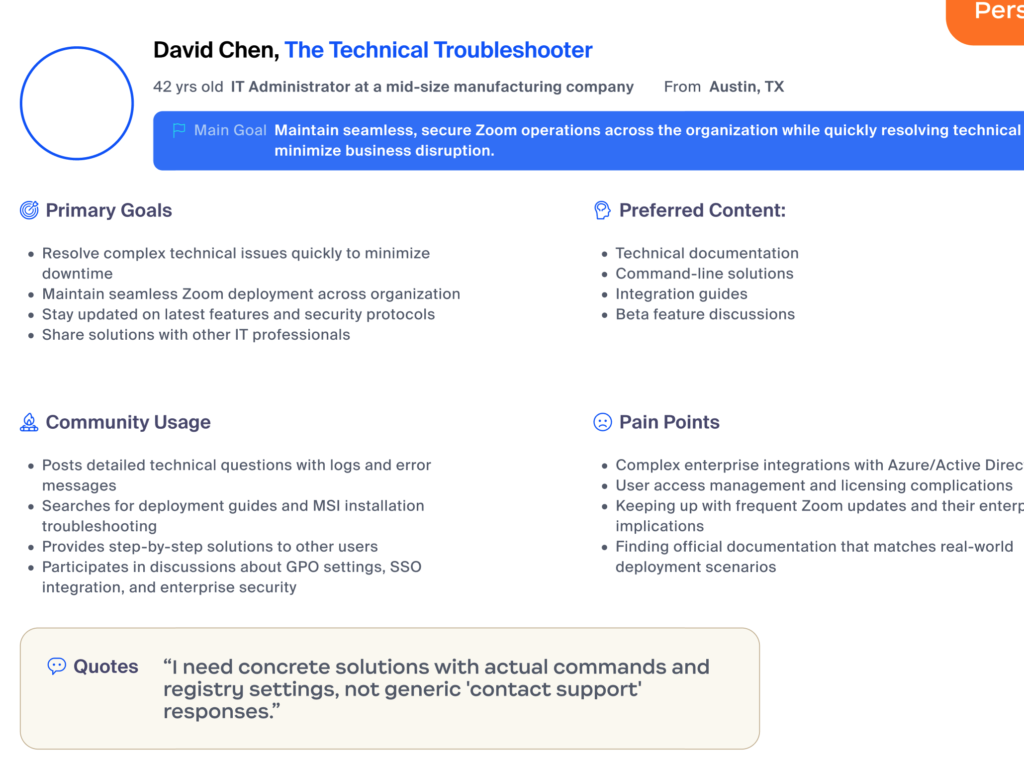
One thing I’ve started incorporating into my UX workflow is using AI to help create user personas. Not because it replaces user research, it definitely doesn’t but because it helps me turn research into a structured persona much faster.
How AI is Actually Upgrading the Design Profession
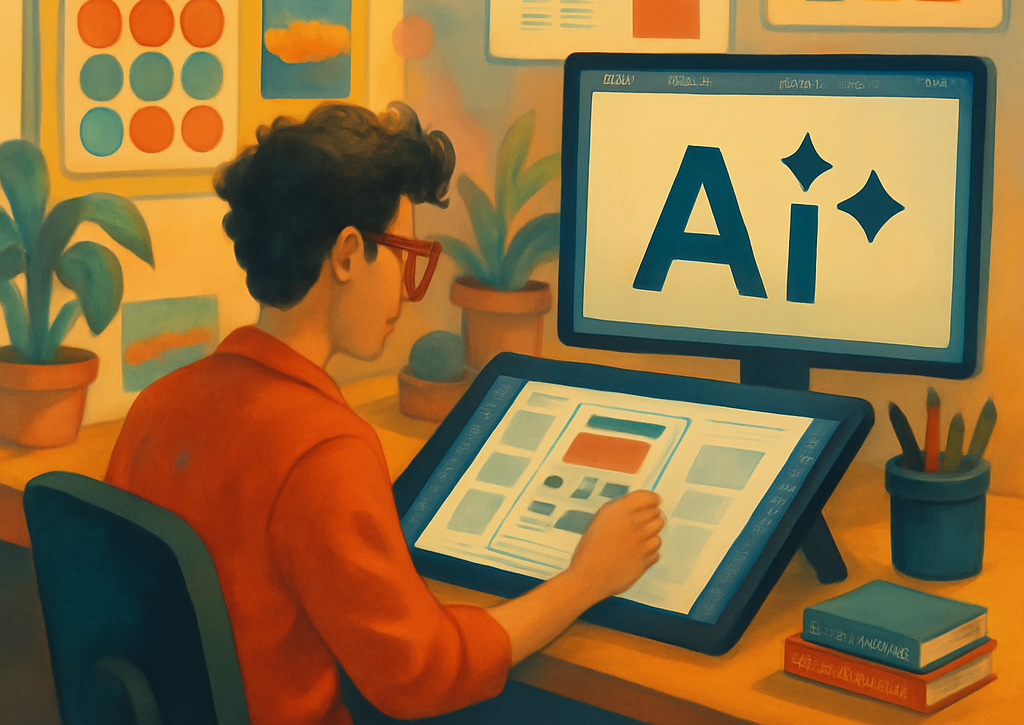
If you’re a designer, you’ve probably wondered: “Will AI replace me?” It’s a fair question. AI tools can now create logos, generate website layouts, and even write copy. But here’s the thing, the role of designers isn’t disappearing. It’s getting more interesting.
How AI Makes My UX Work Easier, Real Examples and Prompts I Use

As a UX designer, I used to spend a significant amount of time on tasks that, while necessary, often slowed down my momentum. Writing user personas from scratch, organizing interview notes, or creating design documentation could take hours. Now, with the help of AI tools, I can move faster, work smarter, and focus more on what truly matters: crafting great user experiences.
AI + UX: Designing for the Future

While diving into research for an upcoming project, I came across something that really stood out to me, a finding from the World Economic Forum’s Future of Jobs Report:
AI and UX are ranked #3 and #8 on the list of fastest-growing roles between 2025 and 2030.
Deepening My Understanding of Information Architecture as Part of My UX Certification Journey

As I prepare for my upcoming UX certification, one area I’ve chosen to study in greater depth is Information Architecture (IA). While I’ve touched on IA in past projects, this focused study is helping me better understand its importance in shaping user experiences, especially in designing intuitive, scalable, and goal-oriented digital products.
AI Isn’t Replacing UX Designers, It’s Making Us Faster and Better

As a UX designer, I’ve always loved solving problems, understanding users, and turning ideas into clean, helpful experiences. But let’s face it, some parts of design work can be repetitive or time-consuming, especially at the beginning of a project.
As a Designer, I Trained Myself to Start with Questions Before Solving a User Problem

As a UX designer, one of the most powerful habits I’ve developed is learning to pause , and ask questions, before jumping into solutions.
Recently, I worked on a project aimed at enhancing the User Search Experience of our support site. At first, the problem seemed simple: users were typing in queries, but many were leaving without finding the answers they needed. My initial instinct was to tweak the design or add tons of new features , but I stopped myself.
UX research first

As a UX designer, one of the biggest lessons I’ve learned is this: never start with visuals. It’s really tempting to jump into Figma and design something that looks great. But I’ve made that mistake before, and I’ve learned that research should always come first.
I used to think making something look clean and modern was enough. But design is about solving problems, and you can’t do that well unless you understand the user.
Letting Users Help Themselves is The Key to a Great Customer Support Experience
It’s been almost a year now working with the support team, studying how our users behave, and I’ve learned so much. I’m definitely happy to be part of a team that focuses on solving real user problems.
One thing that stands out is how much users appreciate being able to solve issues on their own, without waiting for help. That’s why I believe giving users the tools to help themselves is the key to a great support experience.
Solving a Existing Design Issue

I was recently assigned to fix a long-standing issue. Our account managers are overwhelmed with support tickets and calls, many of which could escalate if not addressed. We need a way to reduce these requests and improve the user experience. In our meetings, the main solution was clear: encourage users to self-serve instead of going straight to the support contact page. We have plenty of support articles and resources, but users don’t seem to be using them effectively.